BoredomBusted — Find Your Next Favorite Thing To Do
Discover hobbies, activities, places, and ideas that spark joy. Whether you're looking for something creative, active, social, or relaxing, BoredomBusted helps you find your next favorite thing to do.
Browse our hobby guides, things-to-do collections, and place ideas to never be bored again.
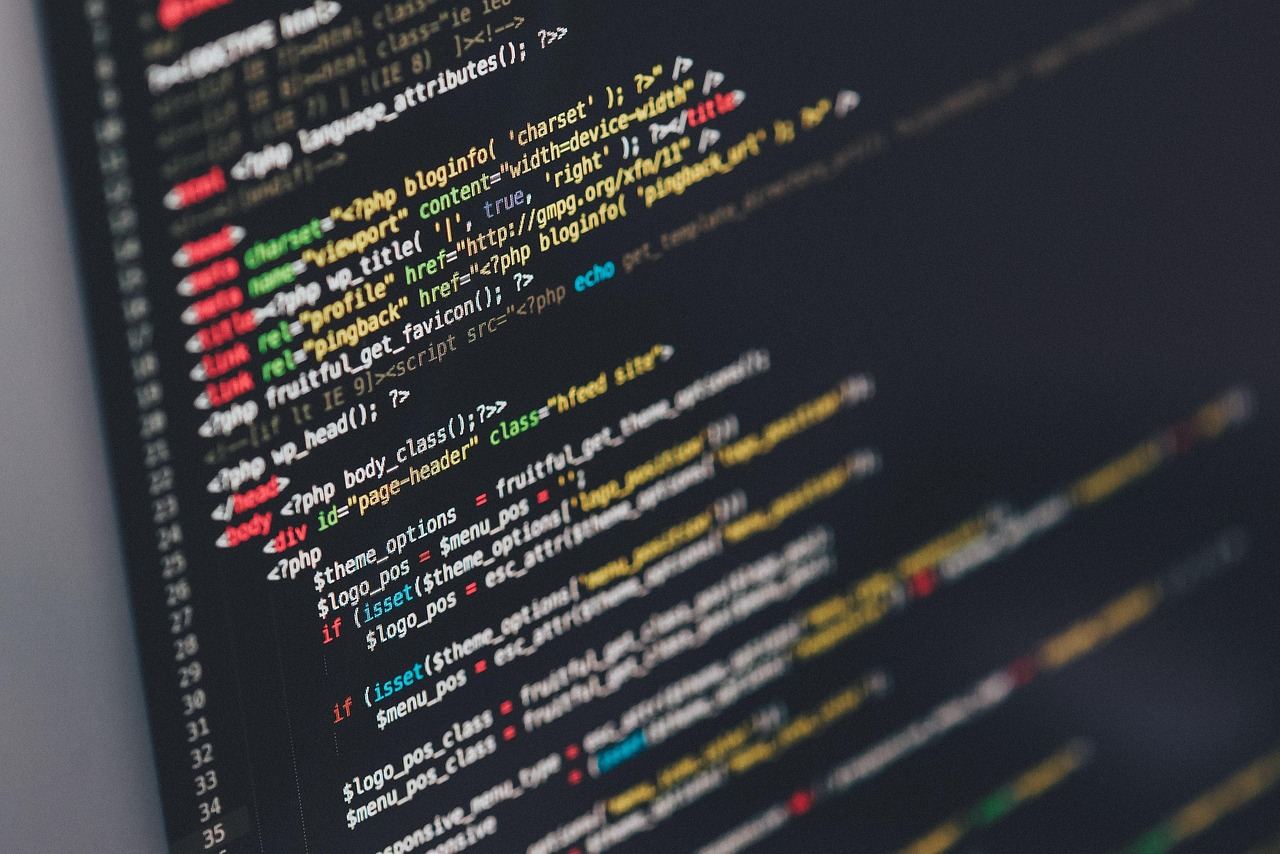
Scripting isn't just about automation — it's a flow state that evolves with task complexity and boosts dopamine by reclaiming your time.
Getting started with scripting and automation as a beginner involves learning to create small programs that can efficiently manage repetitive tasks for you.
These tasks can include:
This helps you stop doing them manually. Unlike general software development, you're not building products; you're eliminating your own busywork, usually in under 50 lines of code.
In scripting and automation, you identify repetitive tasks, write code scripts (often in Python or PowerShell), and test them to automate those tasks, such as sending email reminders or scraping data from websites, while iteratively debugging and refining the scripts to improve their functionality.
This hobby induces a flow state through escalating task complexity, where immediate feedback from running scripts enhances self-awareness and skill mastery, while the sense of accomplishment from reclaiming time through automation provides a dopamine boost and reduces mental fatigue.
You think this is all about programmers. A "CS degree and three energy drinks" kind of deal. But it's not.
Automation isn't about the code – it's about seeing which parts of your routine are tedious. Pattern recognition is the true skill, with syntax being easier than you think.
Most people wrongly assume automation means building complex software. In reality, it often involves writing a few lines of code to eliminate repetitive tasks.
Today's beginner tools like Python, AutoHotkey, and shell scripts are designed for readability. You're not just learning a language; you're learning how to guide a computer with precise instructions.
Think about someone in HR who spends 40 minutes every Monday copying data into an email template. They Google a solution and invest two hours on a Saturday writing a Python script. Next Monday, it takes them four minutes. They didn't become a developer. They simply stopped doing something pointless by hand.
Your situation may feel unique. But the next section dives into how to start based on what truly bothers you.
Starting with automation can feel both thrilling and daunting. You've seen the YouTube videos of clean routines.But then you're staring at a terminal, unsure what to do next.
The first week is all about errors. You read them far more than you write code.It's frustratingly normal, yet necessary for progress.
When you finally get a script to work, even if it's small, it feels incredible. This early success boosts your confidence, even if only a little.
There's confusion about whether this is hard or if you're just bad at it. The truth is, it's both.
By week four, automation invades your thoughts. You start thinking about automating tasks in real life. That's the point where you realize you're truly learning.
Don't worry about perfect scripts. The value lies in problem-solving, which happens when things break.
When to start: Early morning
Duration: 1 hour
Cost to try: $0
Success criteria: If you finished without fully automating the task, do session 2.
Following a tutorial can lure you into automation for its own sake, leaving you without real time gains. Focus on tasks that genuinely eat into your schedule.
Spot a routine task you repeat at least three times weekly. Automate just that task to make every minute count.
Embedding passwords or file paths directly in a script makes it fragile. One small change and it crumbles.
Store mutable values in variables at the top of your file. Or grab them from a config file your script can read when it starts.
Scripts may appear flawless during tests, tricking you into neglecting error handling.
Wrap any file, network, or external interactions with try/except blocks (Python). Handle exceptions now rather than face unscheduled failures.
Running scripts with admin rights by default dodges permission errors. But it also invites risk.
Limit scripts to the minimum permission level needed. If an error surfaces, it highlights necessary adjustments.
Scripting a flawed manual process only lets inefficiency run on autopilot.
Break down the manual steps on paper before coding anything. Remove unnecessary steps and simplify the process first.
Scripting and automation thrive in flexible settings. Think a laptop at your kitchen table, a monitor in the corner of your bedroom, or a quiet desk at a library. No dedicated venue means freedom to start anywhere.
The Python Software Foundation's local user group directory (python.org/psf) is a fantastic starting point. Express your interest in automating repetitive tasks. Being honest about your skill level leads to practical help and real projects.
This is the closest thing to "base camp" scripting. You're writing commands directly for your operating system, stringing together tasks your terminal already knows how to do. Forget frameworks and setup rabbit holes; you just need a text file and a terminal. Perfect if you use a Mac or Linux and want to automate file management or dev tasks quickly.
Python is your best bet when you need more than simple file moves. It handles web scraping, talks to APIs, and even processes complex data. Beginner-friendly but with a high ceiling. Ideal for those who want automation to think and not just execute commands.
Control your browser like a robot with Playwright or Selenium. It clicks, fills forms, and scrapes sites lacking APIs. Setting it up can be finicky. It may break with every site redesign. Best for intermediate scripters with a repetitive web task.
Tools like Zapier or Make let you connect apps with no code. Visual interfaces set triggers as "when this happens, do that." Free tiers are available, but serious power costs—plans range from $20 to $50 monthly. Best for non-programmers wanting quick wins without learning syntax.
This is scripting at a system level. It configures servers and manages cloud resources. You're not automating individual tasks but entire infrastructures. Best for DevOps or SysAdmin pros tired of doing setups manually.
If you want a related angle, Speed Reading is the natural next stop.
Another variant that pulls from the same roots is Cybersecurity.
Some of the same instincts show up in Open Source Contributions — worth a look if this clicked.
The skill that matters is decomposition. It's about breaking tasks into clear, testable stages. Not "write a script that does the thing" – but "what does step one receive, what does it produce, and how do I confirm it worked before step two ever runs?"
By focusing on inputs and outputs, you'll pinpoint exactly where things break. Instead of hunting through 200 lines of code at midnight, you already know what stage failed and why.
Plus, this approach makes your code reusable. Each stage acts as a standalone function ready to be plugged into future projects without modification.
Next up, discover how these skills apply beyond coding.
Eight sessions over 30 days. About twice a week, 60–90 minutes each. By then, you should have automated something that works.
If you keep finding reasons to open the terminal, you've got the bug. Automating one task and instantly seeing others is a sign. You're wired for this. Start building a personal project library and consider using Git for version control.
Feeling indifferent after the sessions suggests you're more into the idea of automation than the problem-solving itself. Test it one more time: pick an annoying task from real life and script it. If that doesn't excite you, the hobby likely won't either.
Resisting each session screams more than difficulty—it signals a mismatch. Scripting suits those who find debugging satisfying. If it's just draining, take that as valuable feedback.
You're copying files or renaming things and your mind whispers, there has to be a better way. That's your inner efficiency guru, signaling that scripting could fit naturally for you.
Looking for something lighter? Our boredom-busters guide is built for exactly that.
Python and Bash are the most beginner-friendly languages for automation. Python is versatile and widely used across different platforms, while Bash is essential if you're working in Linux or macOS environments. Start with whichever aligns with your primary use case—Python for general automation, Bash for system administration.
You can write useful automation scripts within 2–4 weeks of consistent practice, but developing real proficiency takes 2–3 months. The timeline depends on your programming background and how much time you dedicate to learning syntax and building actual scripts for your workflow.
Automation excels at repetitive tasks like file management, data processing, batch file renaming, system backups, report generation, and deploying code. Anything you do the same way multiple times—whether daily, weekly, or monthly—is a candidate for automation.
No. Scripting is specifically designed for non-developers and system administrators who want to automate tasks without building full applications. Basic logical thinking and problem-solving skills are more important than prior coding experience.
You need a text editor (VS Code, Sublime Text, or even Notepad++) and a command-line interface—Terminal on Mac/Linux or PowerShell on Windows. Both are free, and many come built into your operating system. No expensive software required.
Use the rule: if a task takes more than 15 minutes per month and is repetitive, it's worth automating. Calculate the total time spent annually, then compare it to the time needed to write the script—if the script saves you hours, it's worthwhile.