BoredomBusted — Find Your Next Favorite Thing To Do
Discover hobbies, activities, places, and ideas that spark joy. Whether you're looking for something creative, active, social, or relaxing, BoredomBusted helps you find your next favorite thing to do.
Browse our hobby guides, things-to-do collections, and place ideas to never be bored again.
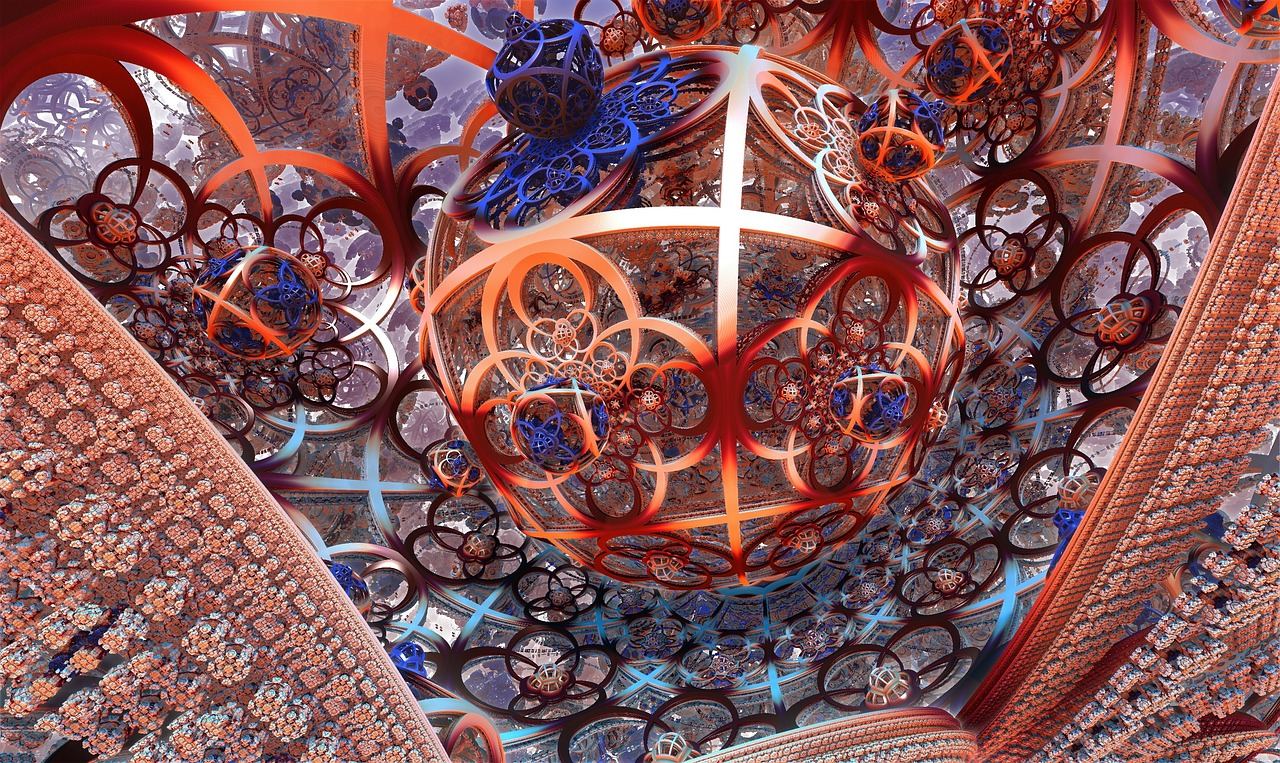
Generative art isn't just about outputting images from a prompt — it's a deep system design process where the artist's choices create unexpected surprises.
Learning generative art as a beginner involves understanding how to create visual pieces through systems that autonomously make aesthetic decisions.
You set the rules; the algorithm handles the output.
Unlike digital illustration or graphic design, you're not drawing anything – you're writing instructions and seeing what emerges.
In generative art, hobbyists use coding languages like Processing or p5.js to create visual art through algorithms, adjusting parameters and rules to generate evolving patterns and abstract forms. They engage in iterative experimentation, running code to see real-time outputs, refining their work based on what they observe until they produce visually satisfying pieces that can be shared online.
Generative art alleviates boredom through its inherent novelty and unpredictability, as small code adjustments yield diverse artistic outputs, creating a flow state where real-time feedback from coding challenges maintains immersion. This process fosters a sense of accomplishment as hobbyists experience the thrill of creating complex systems from simple rules, while community engagement enhances …
You think generative art is about letting a machine handle the creativity for you.
It's easy to imagine just typing a prompt and stepping back. But that's using a vending machine, not creating art.
The real creativity is in the code itself. You're crafting the rules that produce endless variations, where each output is unique.
Every choice you make, from parameters to noise functions, imbues the work with your perspective.
Generative art combines math, design, and systems thinking—there's a real texture to the learning curve, beyond just refining prompts.
Consider Vera Molnár. For decades, she created instructions—by hand and then in code—to make artwork she hadn't visualized beforehand.
Her focus wasn't on decoration. She was designing a system that surprised her.
That surprise is the essence. The leap from crafting a single piece to building a generative process is what transforms casual dabblers into enthusiasts.
We'll soon tackle the reality of your first session and unravel why the initial output—flawed as it might be—holds immense value.
Watching generative art tutorials can feel mesmerizing, like witnessing a chef create a dish you could never replicate. The code seems readable enough. Then you face a blank screen, and nothing works as expected.
Expect more error messages than art at first. Eventually, a few sessions in, something starts working—a moving circle, a color shift. Rebuilding it becomes a test of understanding.
Randomness forces your learning. Using the random() function reveals unexpected results and speeds up the logic click.
Those first few weeks will shift from chaos to discovery. First, there's nothing—no progress, no sense. Then, everything might feel overwhelming with errors. Suddenly, a surprising result holds your attention, a happy accident born from experimentation. This transition isn't a skill gap, just sessions needed for instincts to sync with tools.
Now, let's address the common mistakes that can keep you stuck on "nothing" longer than necessary.
When to start: Morning
Duration: 1 hour
Cost to try: $0
Success criteria: If you changed one parameter and generated a second distinct image with visible differences, do session 2.
Copying code for cool outputs only gets you so far. When you don't know what parameters control, you'll be stuck.
Change one variable at a time and observe the effect. Predicting changes before they happen will deepen your understanding.
Throwing *`random()`* at everything won't make it interesting. It makes it chaotic and hard to control.
Constrain some variables to fixed ratios. Letting only one element vary will provide a sense of order.
Without trigonometry and modular arithmetic, your work lacks movement and intention. These aren't just academic exercises—they're tools.
Practice *`sin()`* and *`cos()`* to create basic shapes. This understanding is foundational for generative motion.
Each framework, like p5.js or TouchDesigner, supports different mindsets and capabilities. Picking one because it's popular can miss the point.
Start with p5.js if you're unfamiliar with coding. Processing is a good choice if you like Java. Stick with one until you complete multiple pieces.
Most systems start messy before constraints bring order. Beginners often quit at this early stage, never seeing how far improvements could go.
Commit to finishing and exporting everything, ugly or not. This habit prevents constant resets and guarantees progress.
Generative art thrives on collaboration and community. Makerspaces, digital fabrication labs, and university open-lab nights are great places to see generative art happening live. A laptop at your kitchen table is fine, but shared spaces let you connect with others who share your passion.
Start with Meetup.com. Search for "creative coding [your city]" or "p5.js [your city]" to find active groups. These are better terms than "generative art" alone.
Processing.org/community offers a map of community groups tied to the Processing environment, ready for you to dive into.
Explore Facebook Groups for "openFrameworks community" or "TouchDesigner users [your region]" for local meetups and workshops.
GitHub is another resource. Many creative coding collectives post their regions and organize open studio nights.
Creative Coding Network is perfect for a broad view. It aggregates global events and meetup listings at creativecoding.network.
You write rules, the computer draws the result – no mouse, no brushes, just logic producing visuals.
This is the core of generative art, ideal for beginners. Start here with tools like Processing and p5.js.
Input prompts or training data into models like Stable Diffusion or Midjourney.
Easy to start but less creative control. Focused on output, not process.
Code runs in real time, often projected on stage, and may sync with music.
Ideal for coders looking to perform and connect with an audience.
Link digital outputs to a pen plotter, machines that draw your code on paper.
Bridges digital and physical, but the cost is higher with plotters like AxiDraw running $500+.
Generates unique outputs per mint with code on the blockchain.
Interesting but volatile market, so generally not advisable for beginners.
Architectural Drawing is a sibling pursuit and often surfaces the same kind of curiosity.
If this resonates, Flower Arranging explores a similar direction.
For something adjacent, see Hand Building Pottery.
Most beginners spend months tweaking parameters—nudging values, swapping colors, chasing outputs that accidentally look cool. It feels productive, but it's misleading.
The challenge isn't technical. It's about reacting to code rather than designing with intention. The vital skill is reading your randomness—knowing which part of your system creates variation, and controlling those before running your code.
Think critically about whether randomness affects shape, color, or both. Learn to assign and control each aspect.
When you understand your randomness, unpredictability disappears. You create work that's reliable across thousands of iterations. This control leads to consistent aesthetics instead of random happy accidents.
The next section will walk you through practical steps to identify and harness your randomness effectively.
Engage in 8 sessions across 30 days, roughly two sessions each week. This journey reveals both the creative and technical aspects of generative art. Use these sessions to experience both challenges and decide which path interests you more.
If you're constantly opening the editor and tinkering with parameters late into the night, that's clear interest. This is a great time to start creating a small portfolio. Try using tools like Processing or p5.js for more advanced exploration.
If you completed the sessions but aren't feeling drawn back, it might be the concept that appeals more than the execution. Consider participating in a collaborative project or a community prompt before deciding whether to move on. Social elements can provide a fresh perspective.
If each session feels like a chore, that's a strong signal. It suggests that the process isn't clicking with you. Recognizing that coding logic doesn't match your creative flow is valuable insight.
The undeniable sign: you find yourself analyzing patterns in everyday life, considering how to code them. This curiosity about translating observations into systems is at the heart of generative art. If this fascinates you naturally, the hobby aligns with your interests.
If generative art feels like too much to commit to right now, browse what to do when you're bored for lower-stakes ideas.
You don't need advanced coding skills to start, but basic programming knowledge helps significantly. Tools like p5.js, Processing, and TouchDesigner offer beginner-friendly approaches with visual interfaces, though learning some code opens up more creative possibilities.
Popular beginner options include p5.js (free, browser-based, JavaScript), Processing (free, open-source), or Touchdesigner (has a free version). You can start with any of these without purchasing expensive software.
A simple generative piece can take anywhere from 30 minutes to a few hours depending on complexity and your skill level. As you improve, you'll develop faster workflows, though intricate algorithms may take days of iteration and refinement.
The learning curve is moderate—basic concepts like loops and randomness are manageable for beginners, but mastering algorithmic thinking and complex mathematics takes practice. Most beginners can create visually interesting results within a few weeks of consistent effort.
Yes, generative art is commercially viable through NFT platforms, print-on-demand services, digital downloads, or physical canvas sales. However, licensing and ownership clarity matters—ensure you own your code and understand the terms of any tools or platforms you use.
Generative art uses algorithms and mathematical rules you write to create visual output, giving you direct creative control. AI art typically uses machine learning models trained on datasets, producing results that are less predictable and require different tools—they're overlapping but distinct approaches.